Share Part of Your Mac Screen
Use it with Teams, Slack, Webex, Google Meet, Discord, and other apps that support window sharing.RegionMirror lets you select a portion of your Mac screen and mirror it into a normal window, so you can share only the area you want in your meeting app.
Free 7-day trial · $19.99 one-time purchase · macOS 13.5+
Most meeting apps are built around sharing either the entire screen or a single app window. Sharing the entire screen means that everyone sees all apps, including your email, chat, and desktop notifications. If sharing from an ultrawide monitor, sharing the whole screen results in unreadable text for the viewers, and inevitably the question, "Can you zoom in on that???". While sharing a single app window is possible, it becomes a hassle when needing to share more than one app. This is because each time you switch, you have to stop and re-share the app window.
- Viewers may struggle to read a full ultrawide screen share
- You may not want to share your entire desktop
- Sharing a window becomes impractical when needing to switch between apps
- Resizing apps before every call interrupts your workflow
- You may want to hide unrelated areas of your screen
A clean, shareable window for just the part you need
RegionMirror gives you a clean shareable window that mirrors only the selected portion of your Mac screen. Choose the area you want to show, then share the RegionMirror window like any other app window.
Set your share area once and reuse it next time — RegionMirror can remember your selected area, so you do not have to redraw the region before every meeting.
Three steps to sharing only part of your screen
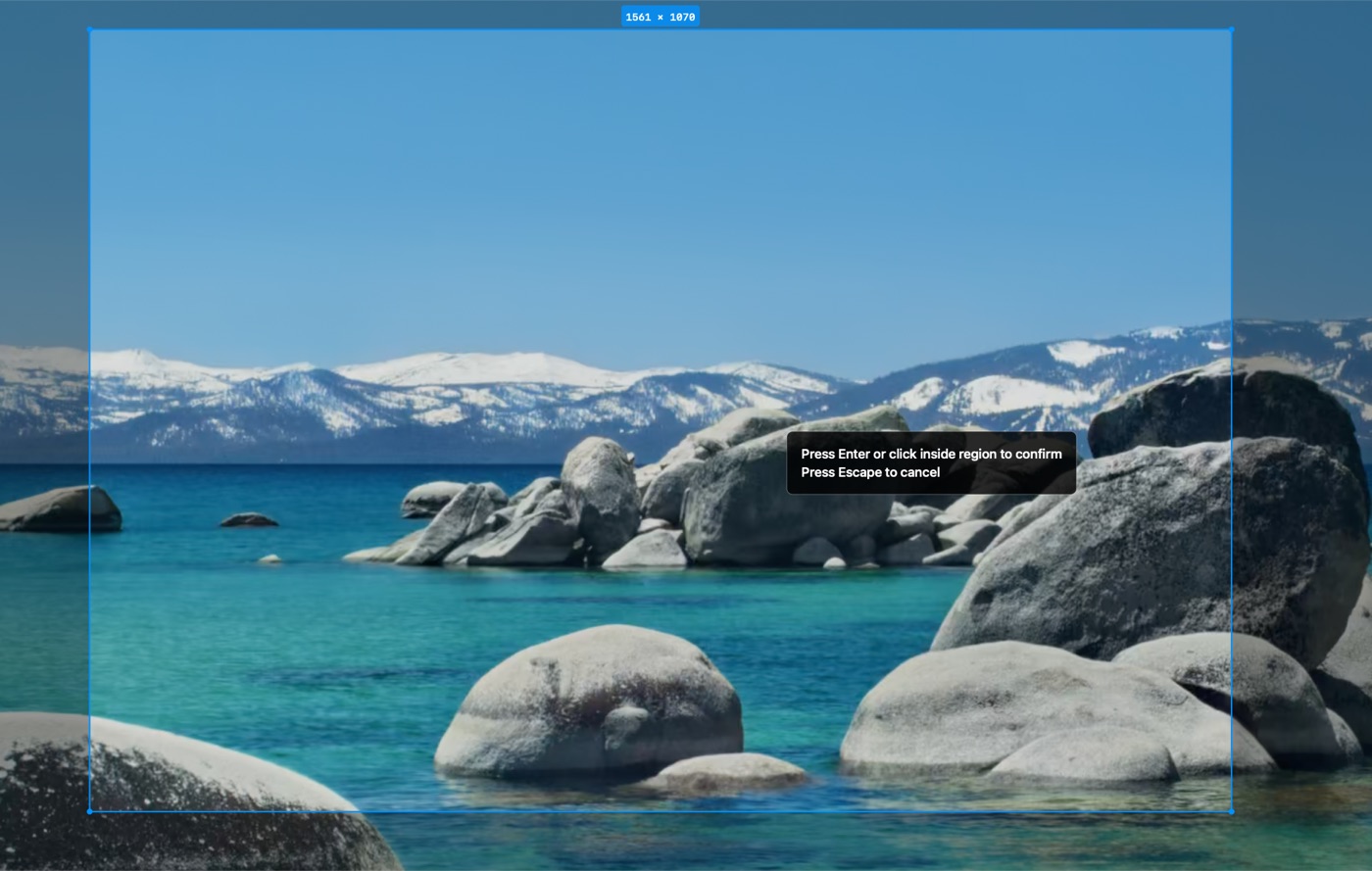
Select the part of your Mac screen you want to show
Drag out the exact area you want your audience to see.
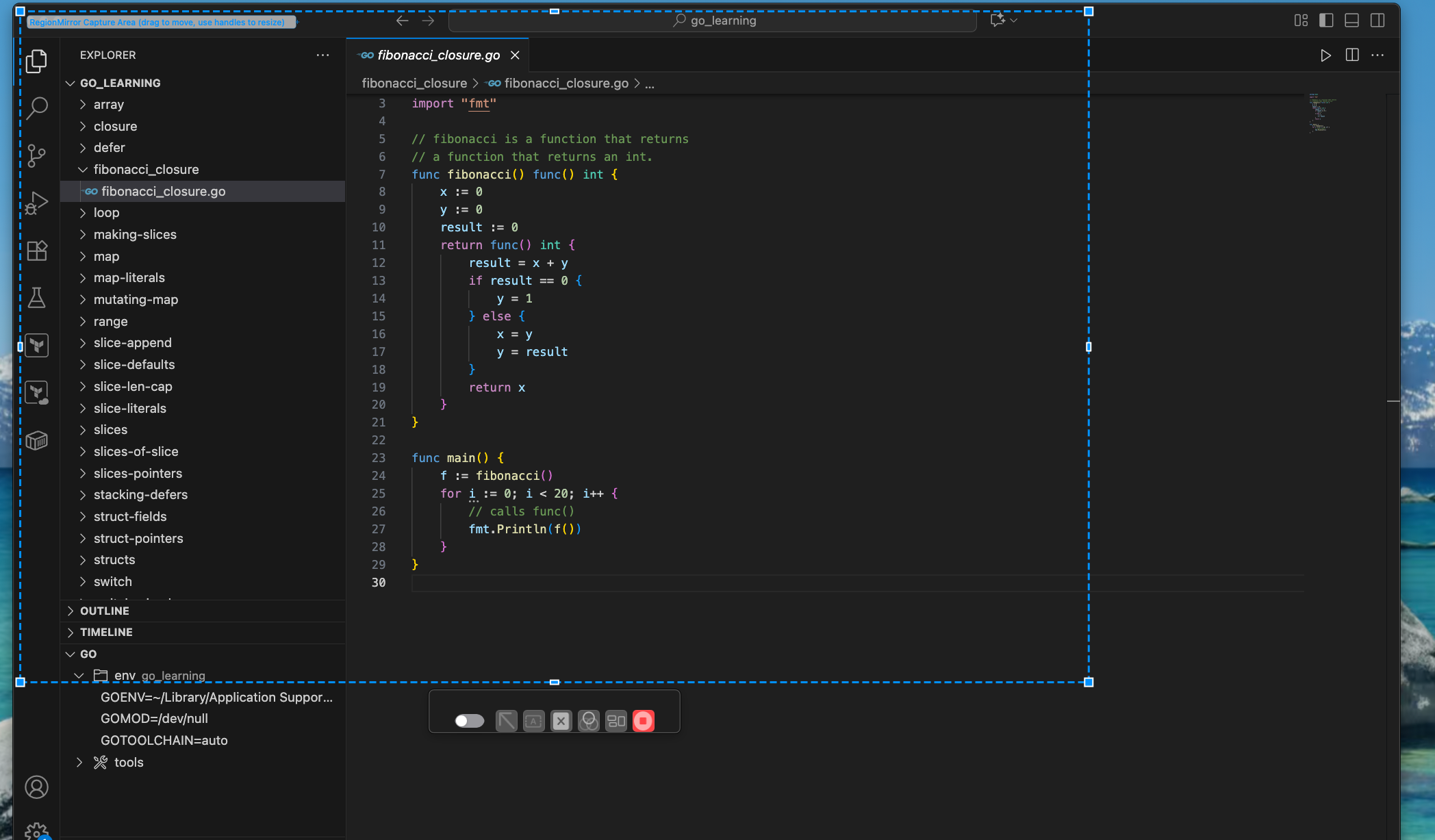
RegionMirror mirrors that selected portion into its own window
The selection becomes a normal macOS window you can move or resize any time.
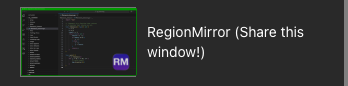
Share the RegionMirror window in your meeting app
Pick the RegionMirror window using your meeting app's normal window-sharing feature.
Ready to try it? Download RegionMirror and share only the part of your screen that matters.
Download Free on the Mac App StoreAny time you want to share less than your entire screen
Reusing the same screen region
Save your share area and share the same region again whenever you present the same content.
Sharing a selected screen region
Show exactly the area you choose, nothing more.
Sharing part of an app window
Focus on one panel or view within a larger application.
Hiding unrelated desktop areas
Keep chat, email, and notes out of the shared view.
Making ultrawide screen shares readable
Share a legible section instead of a shrunken full display.
Presenting dashboards, code, spreadsheets, or browser content
Show any content clearly, at the size you choose.
Sharing a specific area without changing your monitor setup
Keep your normal display resolution and window layout.
Works with the meeting app you already use
No meeting plugin required. RegionMirror shows your selected region in a normal macOS window that you share using each app's own window-sharing feature.
Microsoft Teams
Share the RegionMirror window using Teams' normal window-sharing feature. Read the guide →
Slack
Share the RegionMirror window using Slack's normal screen-sharing controls. Read the guide →
Webex
Share the RegionMirror window using Webex's normal window-sharing feature. Read the guide →
Google Meet
Share the RegionMirror window like any other app window in Google Meet.
Discord
Share the RegionMirror window like any other app window in Discord.
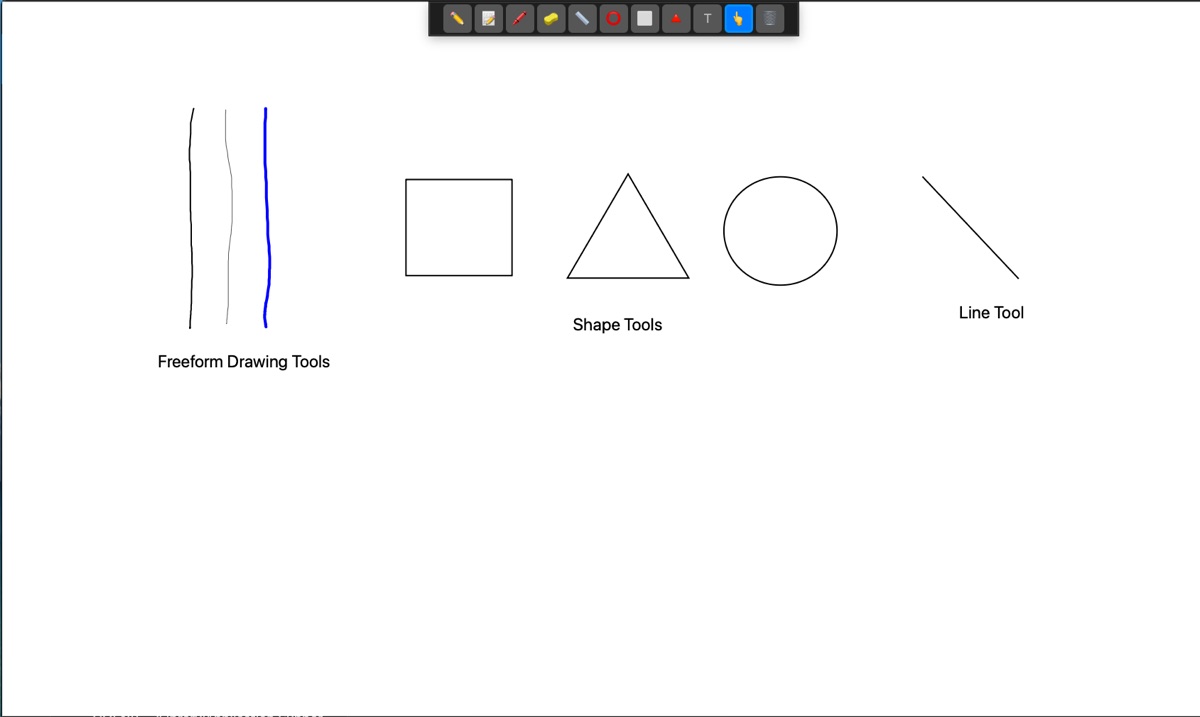
See a selected region become a shareable window
Watch how a selected part of your Mac screen turns into a normal window you can share in any meeting app.
Share only the part of your screen that matters.
Select a region, share the window, and keep the rest of your desktop to yourself.
Download Free on the Mac App StoreFree 7-day trial · $19.99 one-time purchase · macOS 13.5+
Questions, answered.
How can I share only part of my screen on a Mac?
Use RegionMirror to select the part of your Mac screen you want to show. RegionMirror mirrors that selected region into a normal window, which you can share in your meeting app.
Can I share a portion of my Mac screen instead of the full display?
Yes. RegionMirror is designed to share a selected portion of your Mac screen as a separate window.
Does RegionMirror work with Microsoft Teams, Slack, and Webex?
Yes. RegionMirror works with meeting apps that support window sharing. Share the RegionMirror window using the app's normal sharing feature.
Can RegionMirror help hide private parts of my desktop?
RegionMirror lets you choose the screen region that appears in the shareable window, which can help avoid showing unrelated areas of your desktop.
Is RegionMirror useful if I do not have an ultrawide monitor?
Yes. Ultrawide screen sharing is a common use case, but RegionMirror can also help any time you want to share only a selected section of your Mac screen.
Does RegionMirror remember the selected screen area?
Yes. RegionMirror can remember your selected area, so you can quickly reuse the same screen region the next time you share.